1. Close all web browsers.
2. Click on the start button, then type “cmd” and hit "Enter". This should bring up the Command prompt.
3. In command prompt, type “ipconfig /flushdns” and hit "Enter". You should see the message in the screenshot below.
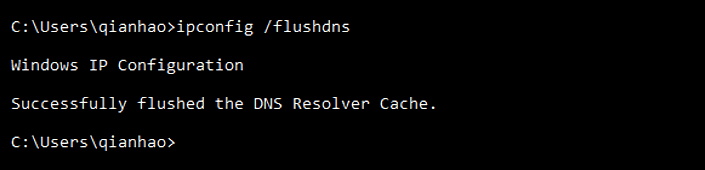
Description: The image above displays the screen on "cmd" for the DNS flushing command.