To view the full data sheet of eero Max 7, click here.
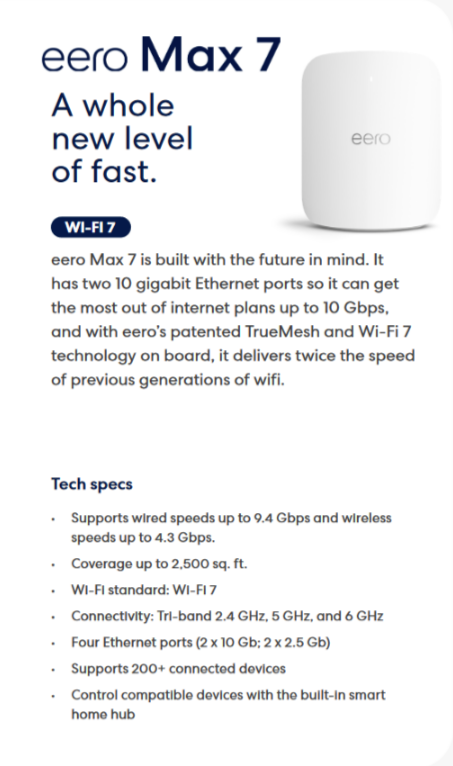
Description: The image above displays the front view of a eero Max 7 router, short description of the router and the technical specs.
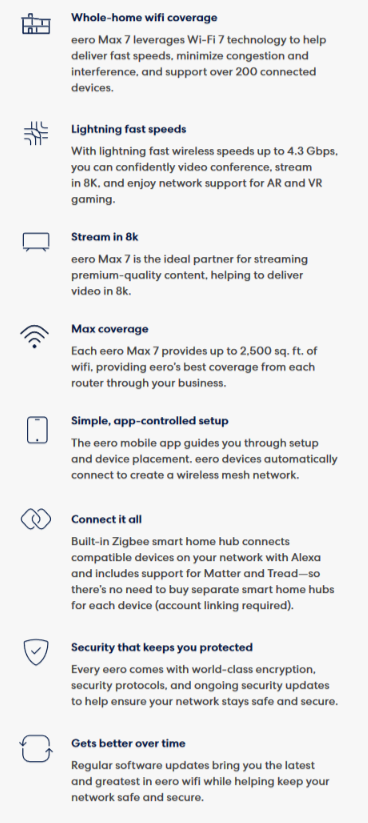
Description: The image above displays the router features of the eero Max 7.
To set up you eero network, you will need the following:
1. Supported iOS or Android device
2. eero app from App Store or Google Play
3. Active & stable internet connection
4. MyRepublic modem
5. Email address
6. Active phone number
For the quick step by step guide on setting up your eero network, please refer to the video guide below:
Description: The image above directs to the link for the instruction video on how to setup a new eero network.
For the full guide on how to get started with your eero mobile app, click here or on the image below.
📌Note: Please ensure that you have downloaded the eero app on either App Store or Google Play.
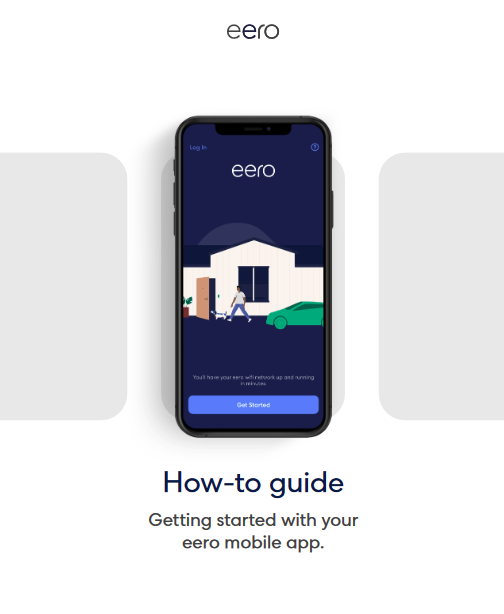
Description: The image above directs to the link for the full guide on how to get started with the eero mobile app
Customers who have subscribed to a MyRepublic broadband plan bundled with eero, access to the eero Secure feature will automatically be available.
To learn about how to get started with with your eero Secure subscription, click here or on the image below.
📌Note: Please ensure that you have downloaded the eero app on either App Store or Google Play.
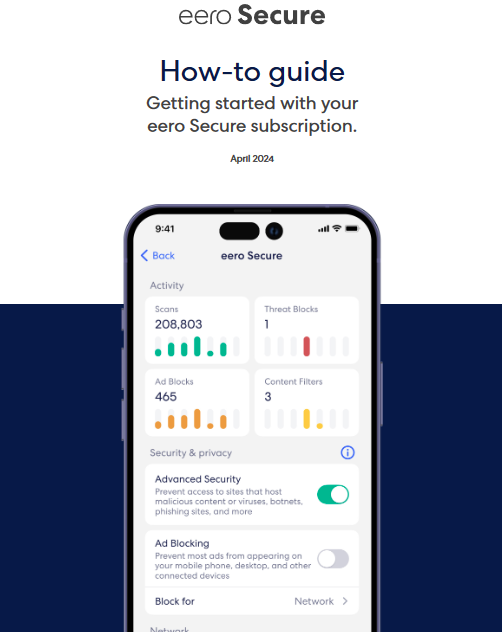
Description: The image above directs to the link for the full guide on how to get started with with your eero Secure subscription.