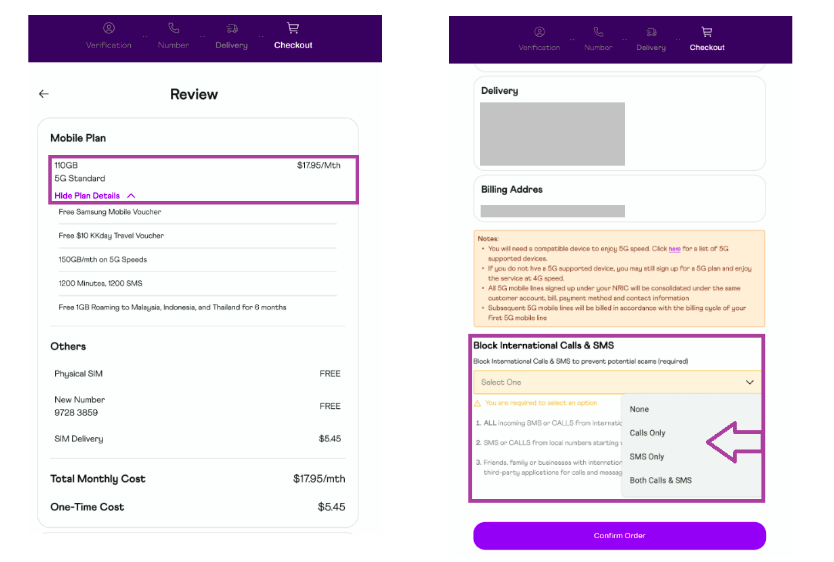
On the "Review" page of the of the Order Portal, customers may select the services that they wish to block before clicking on the "Confirm" button to complete the order. Customers may select from the following:
Block International Calls & SMS:
None
Calls Only
SMS Only
Both Calls & SMS
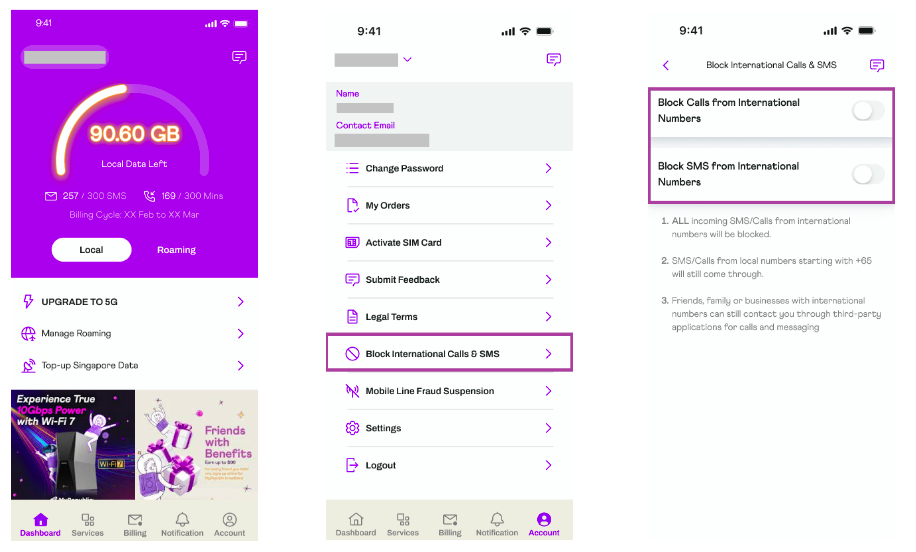
Upon activation of the mobile service, customers may select the services they wish to block on the Mobile App by toggling on the enable/disable button. Customers may select from the following options:
Block Calls from International Numbers
Block SMS from International Numbers
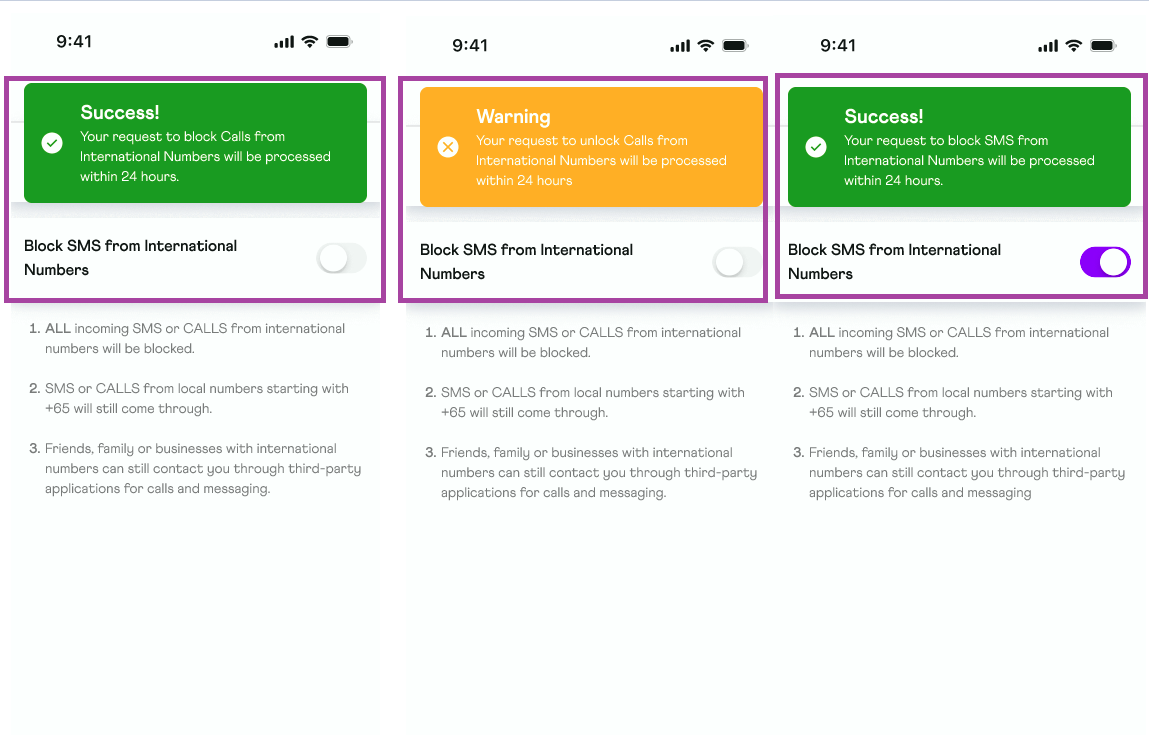
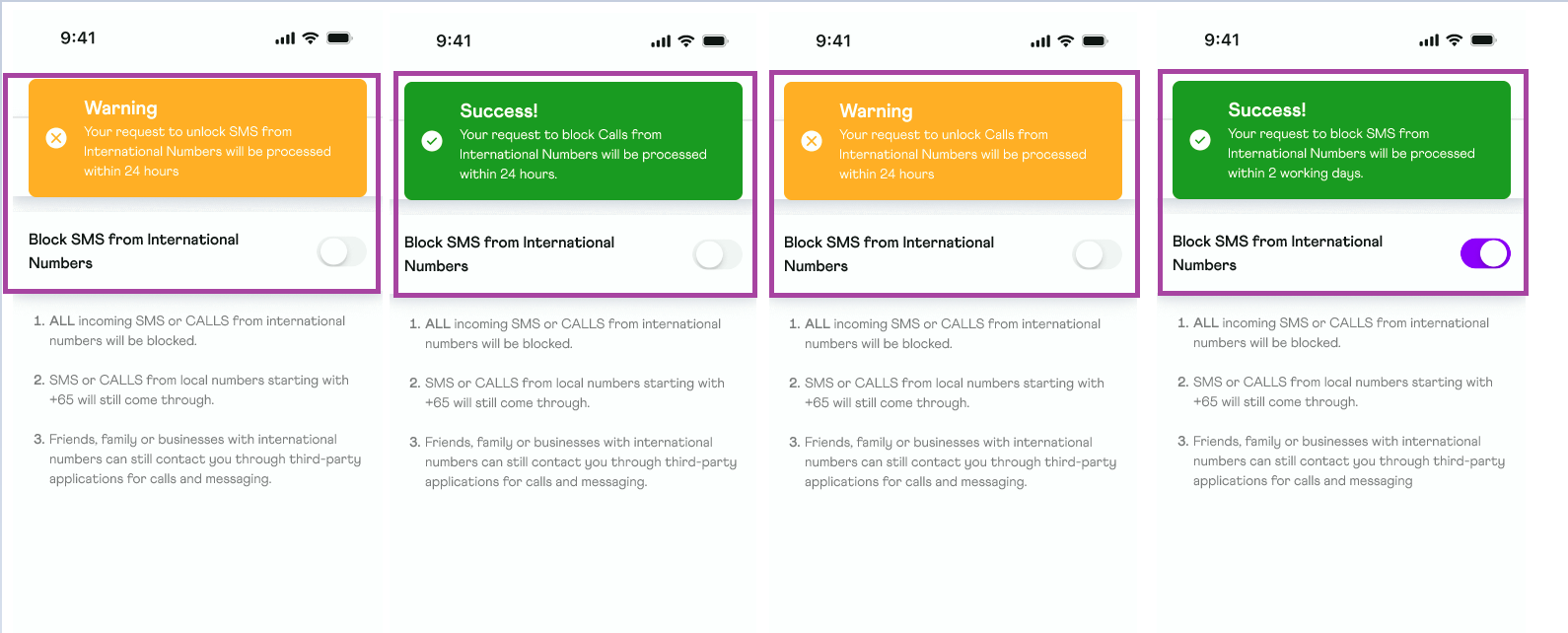
After making the selection, customers will receive a confirmation prompt in the Mobile App for their Enable/Disable request. The requested change will take effect within 24 hours.
If you have any questions or need assistance, please contact our support team. We're here to help!